Run Signage Space in a browser
The player runs in any modern browser, so you can put a screen live without installing anything — useful for testing, and for machines you are not allowed to install software on.
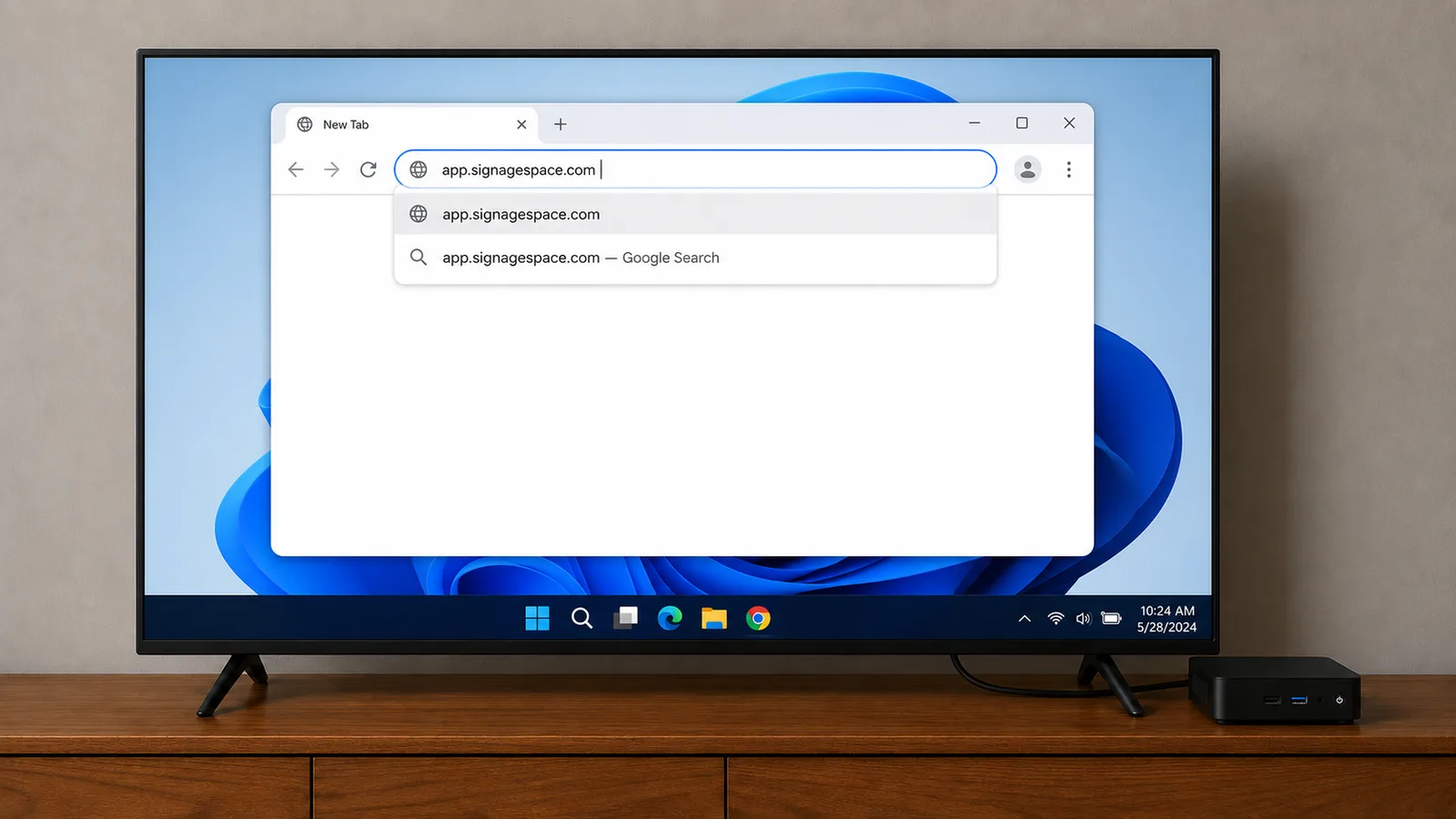
- Open app.signagespace.com — Go to the address in any browser on the machine driving the screen. The player loads straight away — there is nothing to download and nothing to sign in to.
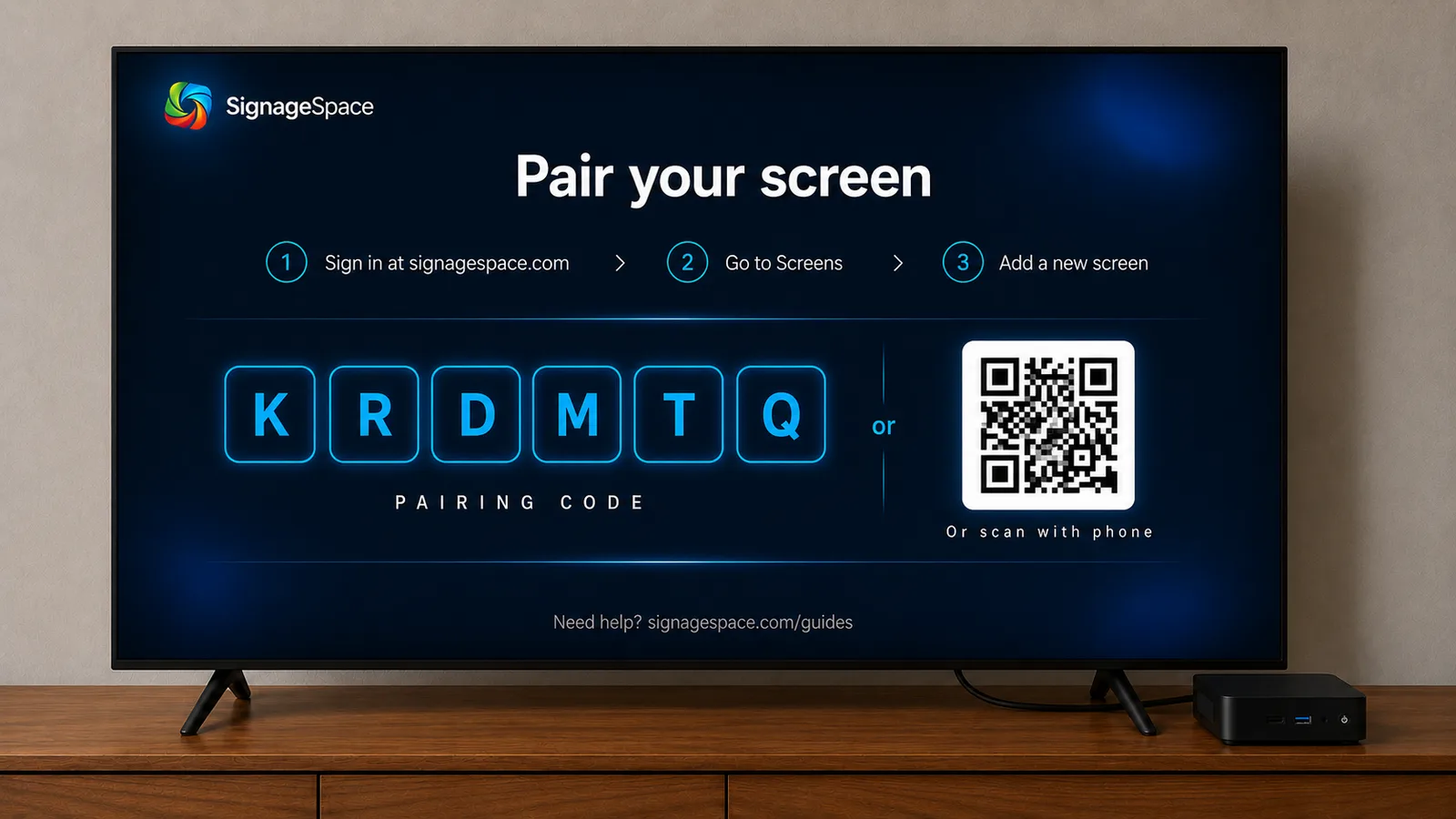
- Read the six-letter code — The page shows a six-letter code, exactly as the installed players do.
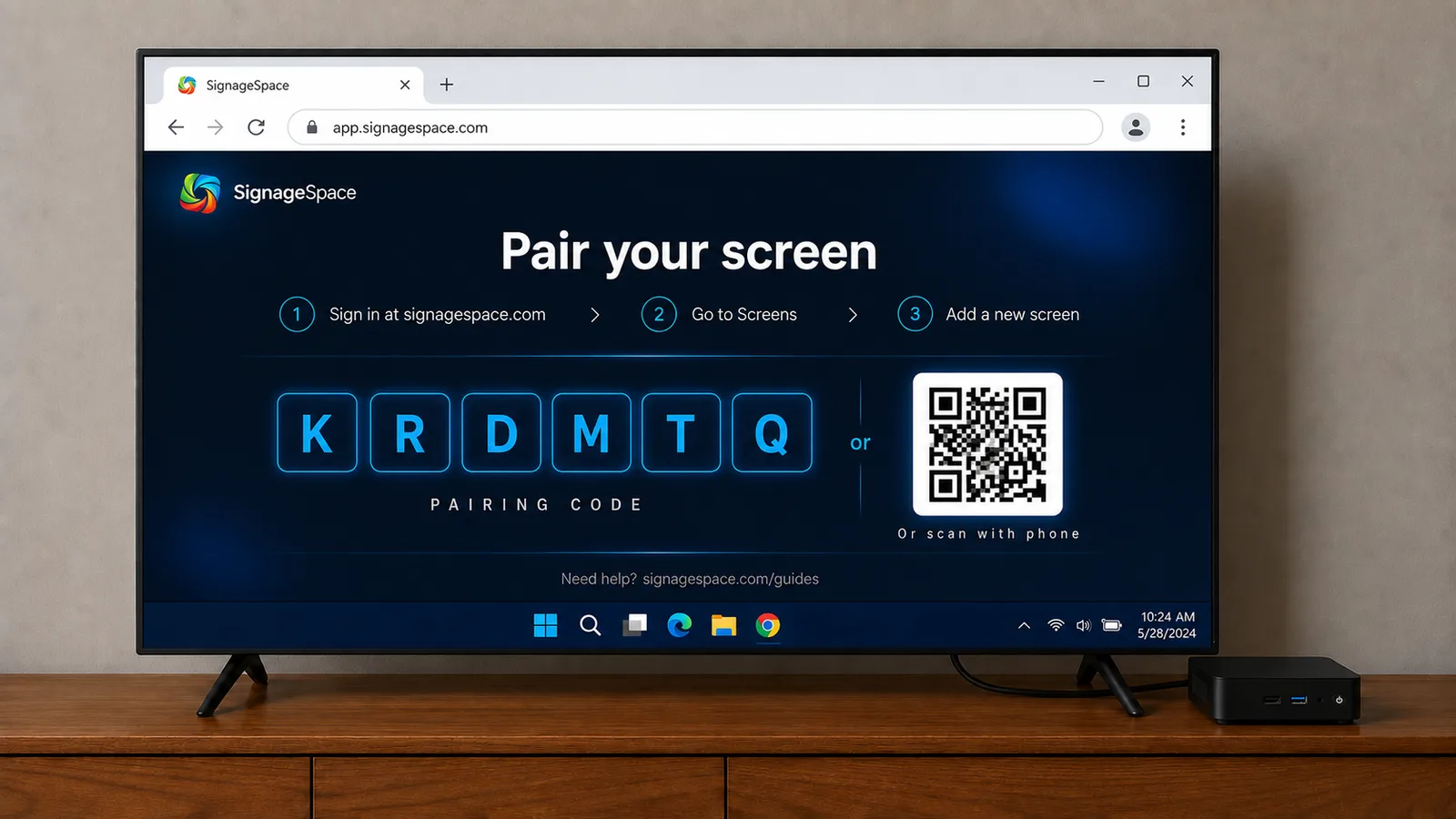
- Put the browser full screen — Press F11 on Windows or Linux, or Control + Command + F on a Mac, so the browser chrome disappears and only the content is on the wall.