1. Open the Google Play Store on your digital signage display and find the Signage Space app by searching for “Signage Space digital signage player”.

2. Click “Install”.

3. Launch the Digital Signage Player app. You will be prompted your pairing ID.
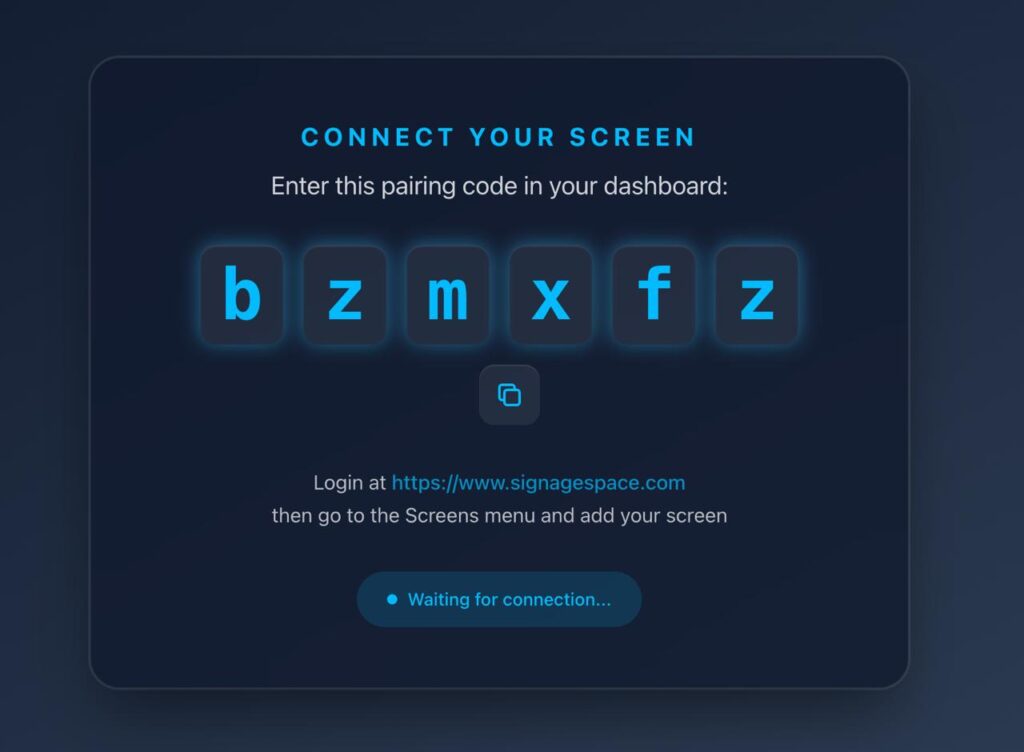
4. Go to Signage Space website via your desktop, laptop or mobile phone and login.

5. Go to “Screens” menu and click the “Add screen” button.

6. Name your screen, select the playlist that you want to play and set the orientation. You may Save your display for now and assign a playlist later. Also enter the pairing code shown on your screen. Click “Create Screen” when you are done.

What media formats are supported?